Earn rewards for bnUSD
Learn how to earn rewards for bnUSD with the Balanced Savings Rate.
You could previously deposit bnUSD into the Savings Rate to earn rewards. All rewards stopped in March 2026, so there’s no reason to keep using it.
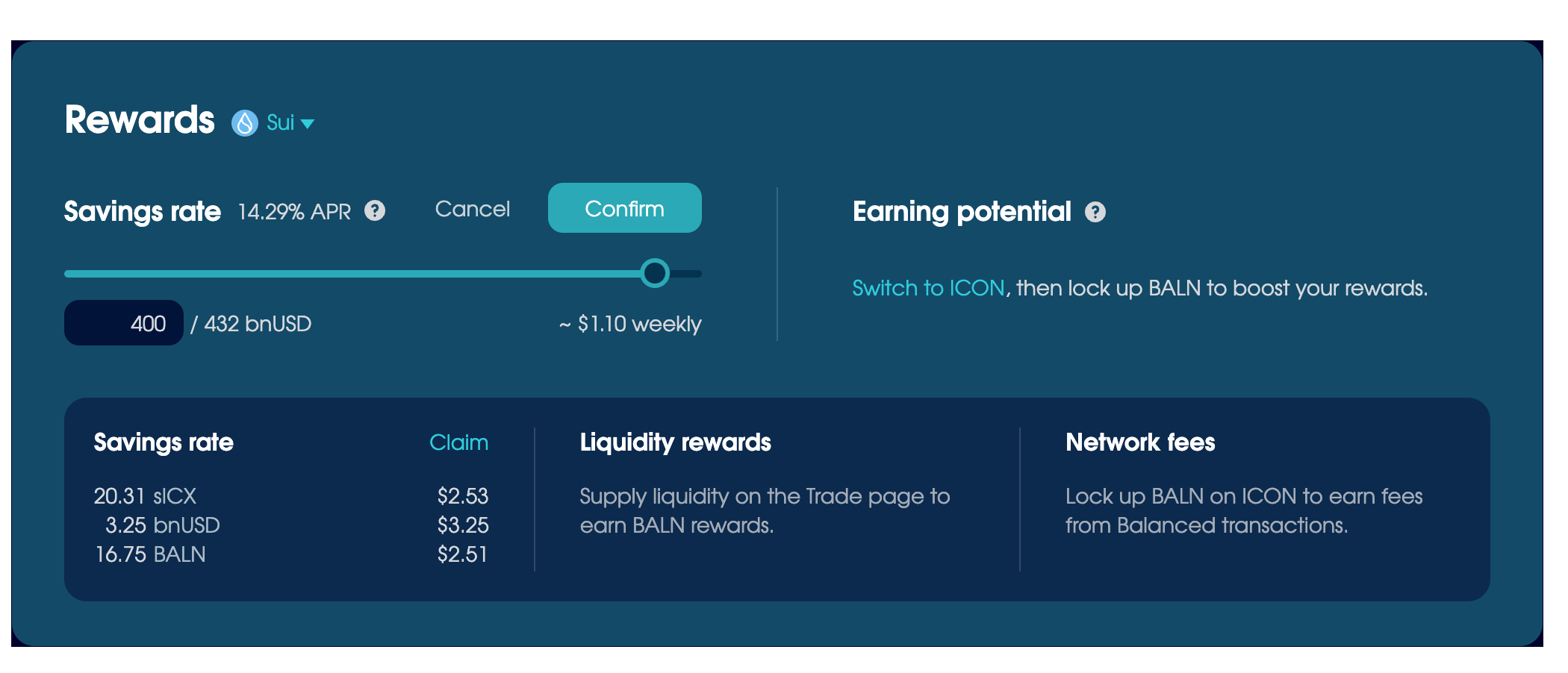
Withdraw bnUSD
From the Rewards section on the Home page:
- Choose which blockchain to use.
- Click Adjust next to Savings Rate.
- Choose to withdraw the full amount, then click Confirm and complete the transaction.
Your bnUSD will be available to use immediately.
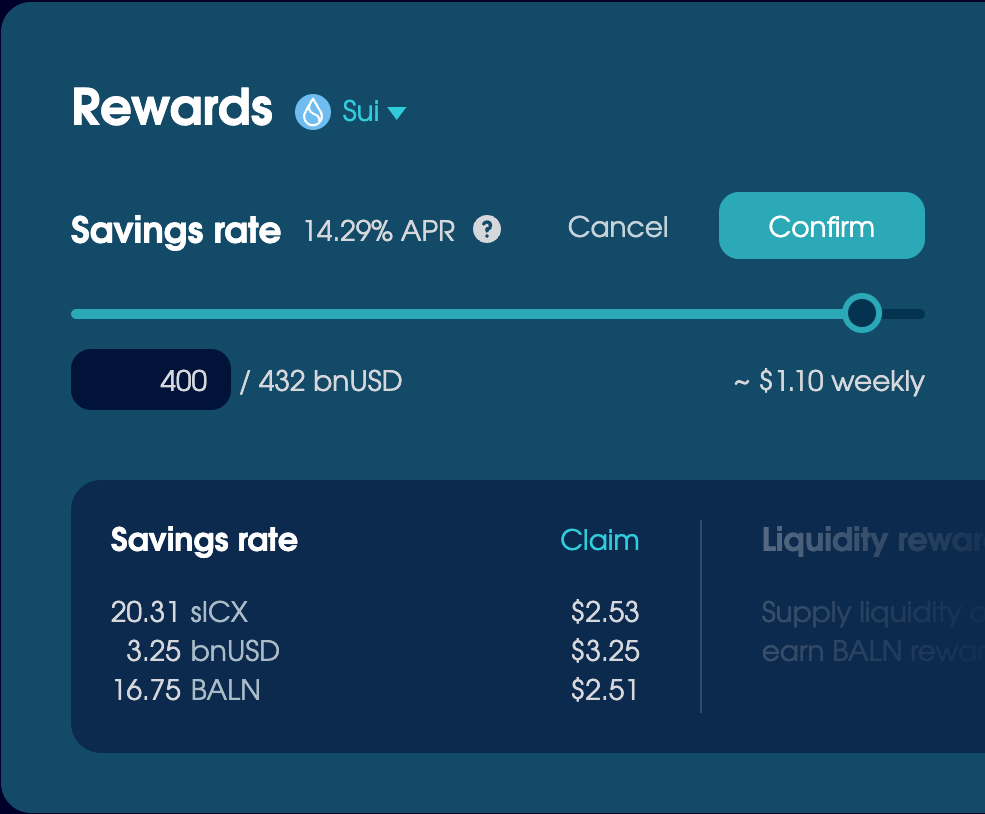
After you withdraw, make sure to claim your final rewards from the panel underneath.
Convert your legacy assets
The Savings Rate uses bnUSD(old), so go to Trade > Migrate after you withdraw to convert it to the new version. You can also use this tab to convert any sICX and BALN to SODA. Read Migrate assets to learn more.