Unstake sICX
Learn how to unstake sICX if there’s not enough liquidity to trade.
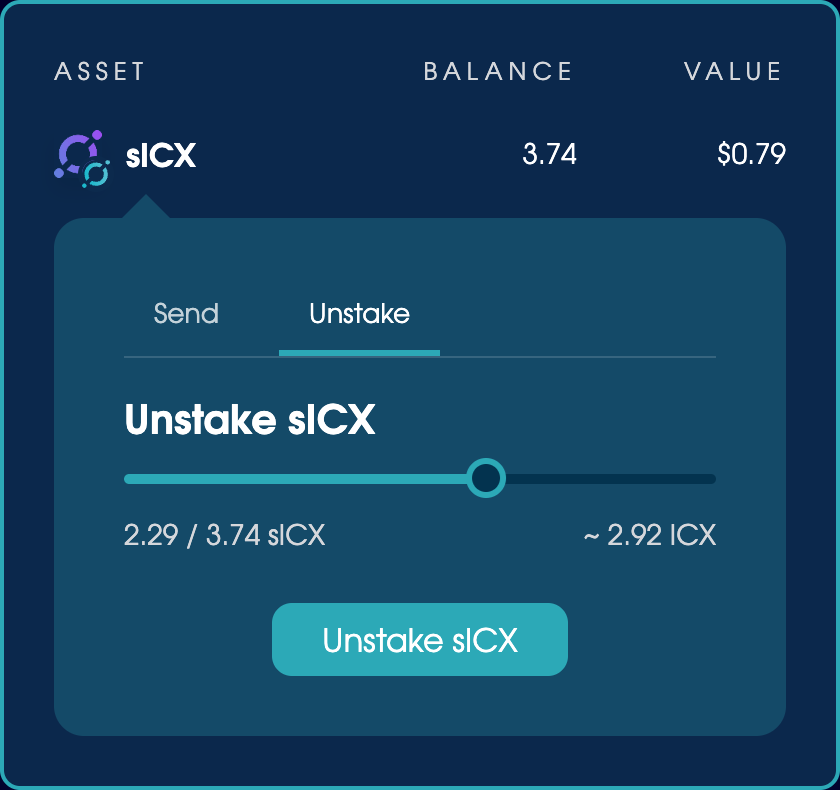
You can unstake sICX via the wallet menu in the top-right corner of every page.
To unstake sICX:
- Click the sICX wallet entry and open the Unstake tab.
- Choose how much to unstake, then confirm the transaction.
You’ll see an estimate of how long this will take. As the ICON blockchain is winding down, expect to wait about 20 days.
To view your unstaking requests, click the ICX wallet entry and open the Unstaking tab. When your sICX has unstaked, you’ll need to claim it from there before you can use it. An alert badge will appear next to the ICX wallet entry when it’s ready.
After it unstakes, migrate your ICX to SODA.